
Your unified
control centre
for work.
WorkSync Pro brings mail, calendar, files, chat, projects and client relationships across Google, Microsoft 365 and more into one secure focus hub.
 WorkSync Pro · Product Brochure
01 · The problem
Work is scattered.
Your focus should not be.

The working day is split across inboxes, calendars, drives, chat apps and project tools, each with its own login, its own search and its own version of the truth. Context-switching is now the job.
Many tabs, one person
Google Workspace, Microsoft 365, iCloud, WhatsApp and IMAP mail rarely talk to each other. You end up doing the joining work.
Clients slip through gaps
Conversations, meetings and tasks about the same contact live in different places, so follow-ups get missed.
Projects lose their thread
Files, emails and decisions sit away from the plan, so status reports take hours to put together.
WorkSync Pro brings your accounts, your people and your projects into one secure focus hub.
WorkSync Pro · Product Brochure02 · One hub
Every tool you use,
in one place.
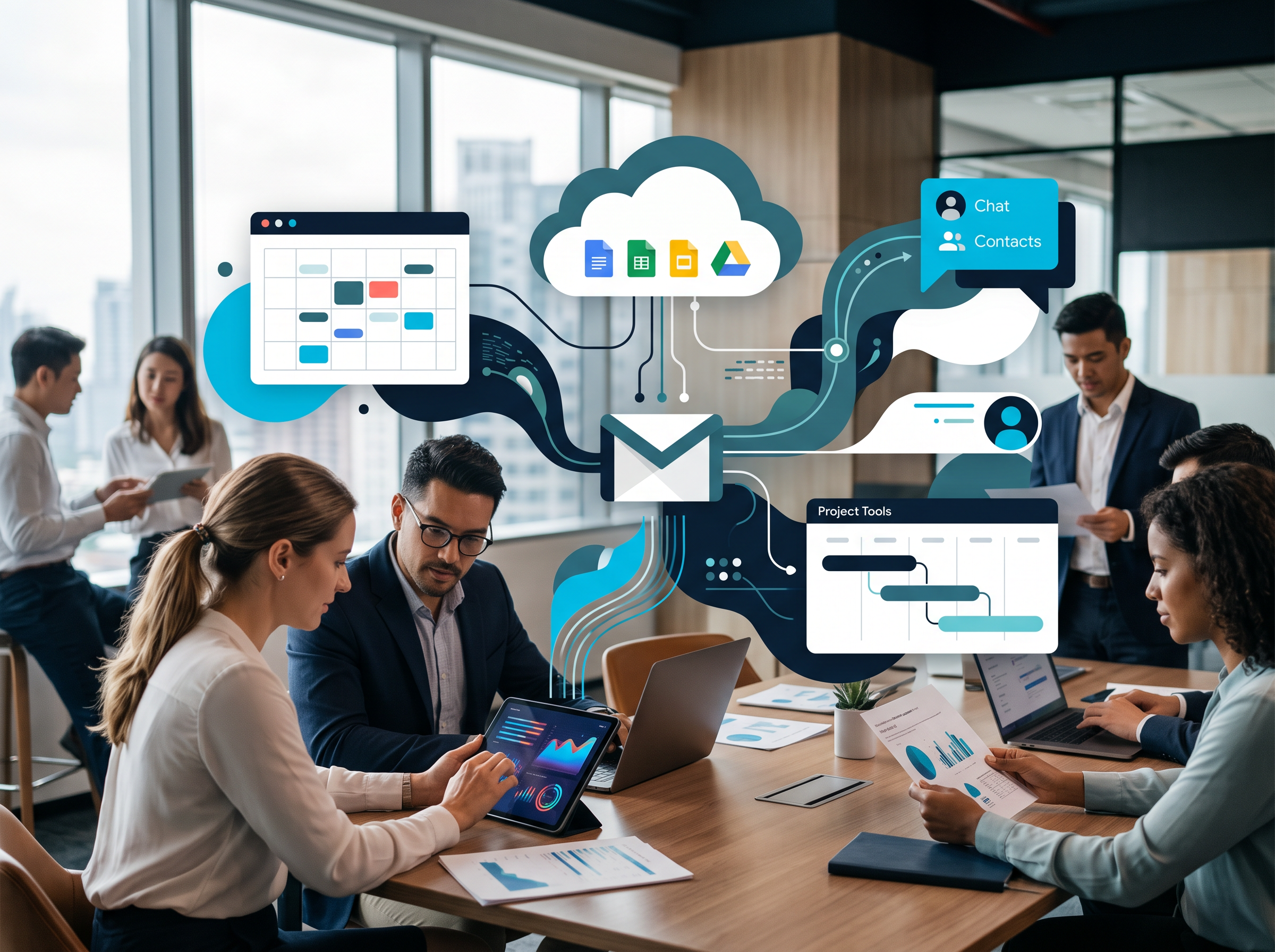
Connect your accounts once and work from a single launcher. Each module opens full-screen, comes back with one tap, and lets you reorder modules to match how you work.
Multi-provider by design
Google, Microsoft 365 (Outlook, Teams, OneDrive, SharePoint), Apple iCloud, generic IMAP/SMTP mail and WhatsApp, all through one Integrations page.
Multiple accounts, clearly labelled
Add work and personal accounts side by side, with your own colour codes and labels such as Work or Home.
WorkSync Pro · Product Brochure03 · Communication
One inbox.
Every conversation.

Read, reply, schedule and organise mail from every connected account in a single, fast reading pane, then move a conversation into action without copying and pasting.
Unified mail
Gmail, Outlook, iCloud and IMAP accounts with threads, attachments preview, templates, rules, smart folders and scheduled sending.
AI that drafts with you
Thread summaries, smart reply suggestions, AI draft replies and automatic email classification.
Email to action
Turn any email into a task, add the sender to Contacts, or detect a meeting request and book it straight into your calendar.
Unified chat
WhatsApp, Google Chat and Microsoft Teams conversations collected in one chat view.
Calendar & meetings
Day, week, month and schedule views, quick-create, and online meetings scheduled on Google Meet or Teams.
Meeting assistant
Capture meeting notes and extract action items that become tasks, linked back to the meeting.
WorkSync Pro · Product Brochure04 · Projects & tasks
From to-do list
to delivered project.

A full project workspace sits beside your inbox. Plan the work, assign it, track time and cost, and keep every file and email linked to the task it belongs to.
Plan your way
List, Kanban board, Monday-style board, calendar and interactive Gantt timeline with dependencies (FS, SS, FF, SF), milestones and baselines.
Scheduling intelligence
Critical-path calculation, automatic timeline scheduling and scheduling constraints keep plans realistic.
Resources, time & cost
Resource allocation, built-in time tracking, estimated and actual costs, with progress shown on project dashboards.
Collaboration built in
Project chat, task comments with @mentions, activity feeds, and status-change and due-date notifications.
Linked context
Attach Drive files, calendar events, meeting notes and notes to any task, and sync tasks with Google Tasks.
Role-based access
Invite collaborators as admin, editor, contributor or viewer. Each person sees only the projects they belong to.
WorkSync Pro · Product Brochure05 · Relationships
A CRM that
builds itself.

Contacts gathers the people behind your email, calendar and tasks into one relationship view, so you always know who matters and what to do next.
Actionable dashboard
VIP and client views, recent activity, lead-score badges and a pipeline of follow-ups that need attention today.
Relationship intelligence
Relationship mapping and network view, with interaction history across shared emails, events and tasks.
Clean data, automatically
Scheduled duplicate detection and merging, multi-source contact sync, and changes pushed back to their source.
Enrichment & capture
AI-assisted avatar and social-profile enrichment, plus business-card scanning to add contacts in seconds.
Follow-ups that happen
AI-suggested follow-ups and reminders, so no client conversation goes cold.
AI search everywhere
One search across mail, files, contacts, tasks and notes in every connected account.
WorkSync Pro · Product Brochure06 · Security & trust
Built for business.
Locked down by default.

WorkSync Pro connects to your most sensitive systems, so security is part of the core design rather than an add-on.
Your accounts, your tokens
Each user connects their own Google and Microsoft accounts. Nobody works through a shared admin login.
Encrypted credential vault
Third-party credentials are sealed with AES-256-GCM on the server and are never stored in the browser or in plain text.
Record-level access control
Row-level security on projects, tasks, contacts and connections means people see only what they are entitled to.
Private files
Task attachments sit in private storage and open through short-lived, signed links.
Full audit trail
Key actions are written to an audit log, with admin-only controls for sensitive operations.
Protected sign-in
Email and password with verification codes, or Google sign-in. Every page in the app requires authentication.
WorkSync Pro · Product Brochure07 · Designed for every screen
At your desk.
In your pocket.

The same hub works on a 4K monitor and on a phone. Large touch targets, full-screen reading panes and clear back navigation make mobile work feel natural.
Mobile-first craft
Safe-area aware layouts, pull-to-refresh, an alphabet index for contacts and touch targets sized for thumbs.
Four themes
Navy Command, Light Card Stack, Teal Ribbon and Dark Launcher. Pick the look that suits you.
Works offline
Offline management with conflict resolution keeps you moving when the connection drops.
Background sync
Scheduled cross-platform sync keeps mail, contacts, files and tasks up to date.
08 · Get started
Three steps to
a calmer working day.
Create your account
Sign up with email or Google in under a minute.
Connect your accounts
Add Google, Microsoft 365, iCloud, IMAP mail and WhatsApp from one Integrations page.
Work from one hub
Open mail, calendar, projects and contacts from a single launcher, on any device.
Book my WorkSync Pro walkthrough
Email info@oairo.com and we’ll set up a walkthrough for your team.
Or start now at worksyncpro.base44.app